
A terminal workspace that runs anywhere.
cmux TUI brings the workspace model built for coding agents to macOS, Linux, and Windows. Keep shells, browsers, tests, and long-running agents in one keyboard-first tree.
curl -fsSL https://cmux.com/tui/install.sh | shOne tree for the whole job
- -Organize by task Give each feature, investigation, or agent team its own workspace. Switch without losing terminal state or layout.
- -See parallel work Place coding agents beside tests, logs, and review commands. Notifications and agent state stay attached to their surfaces.
- -Open real browser tabs Drive Chrome targets as tabs beside terminal processes, with persistent profiles, keyboard input, mouse input, and live frames.
- -Move across machines Use the optional machine rail to switch between local sessions, Unix sockets, SSH hosts, and cmux Cloud connections.
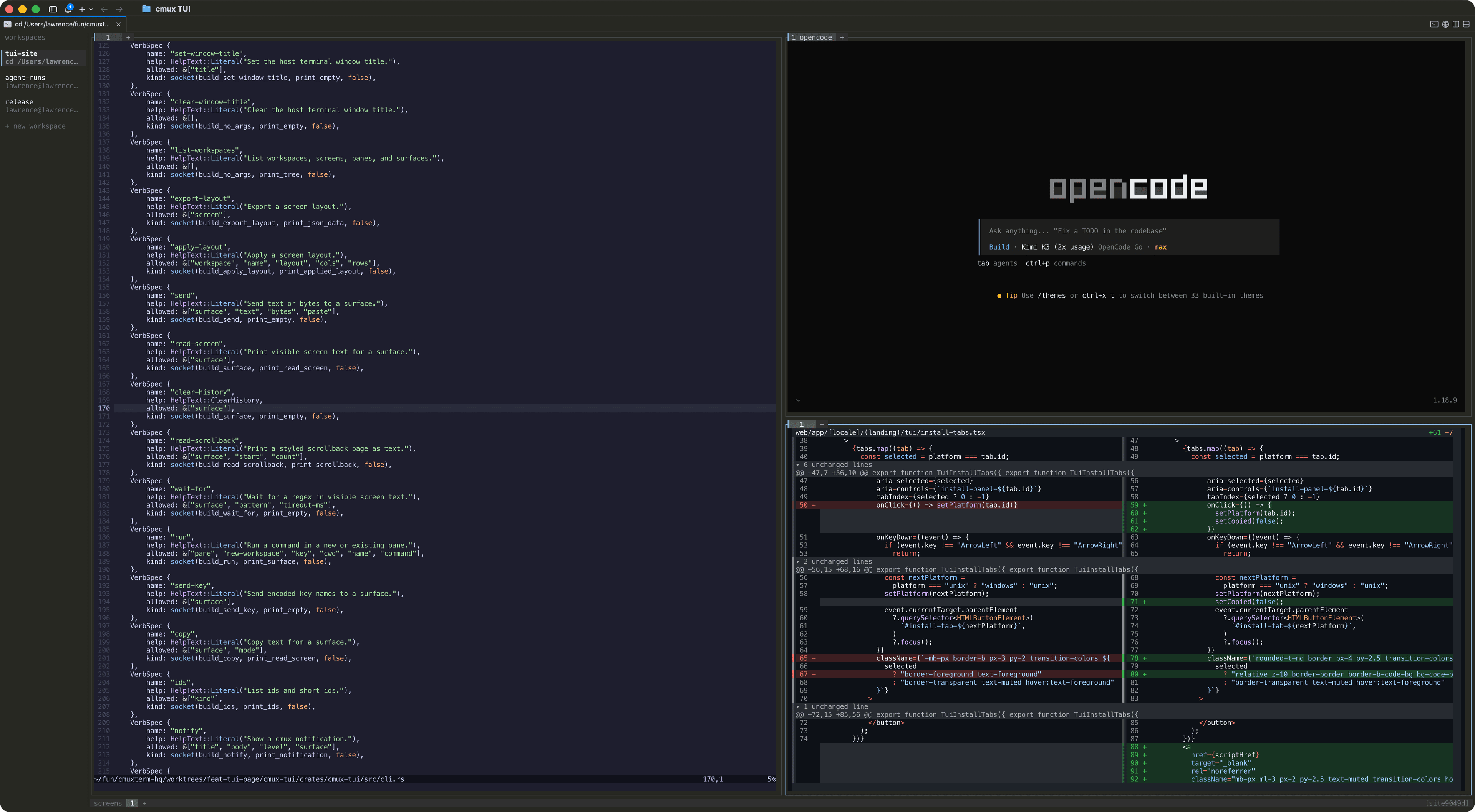
Fast by default
tmux muscle memory, a richer model.
The default Ctrl-b prefix keeps familiar pane commands while adding workspaces, tabs, browser surfaces, a scrollable viewport, layout undo, and mouse controls.
Ctrl-b %Split the active pane rightCtrl-b tOpen a tab in the paneCtrl-b WCreate a workspaceCtrl-b gAdd a scrollable pane to the right